

Apparel
A flexible theme with all the necessary sections and components to make the most out of Jumpseller's features. Equipped with plenty of theme customization options to achieve a unique store design.
IMPORTANT: Currently Apparel is not available to be purchased on Jumpseller's Theme Gallery until it's updated with all of the platform's latest features.
Conversions here are approximates.
Taxes are included upon purchase.
Features
Explore the built-in tools and ecommerce features designed to help your store sell, engage, and grow.
Commerce & Conversion
A component that uses optimized data, by working with Jumpseller’s algorithm to analyze the store’s recent order history and create sets of products that customers are likely to be interested in buying together.
A component that allows to display a group of product suggestions based on the Cross-selling settings of the store.
The Cross-Selling feature has two options and will depend on the Plan that you have subscribed to. You can read more about it in the following articles:
A component that allows to display a collection of products based on what other customers had also visited.
A subcomponent that allows to display the different prices that a product can have, when variations of it for buying different units have been created.
Jumpseller’s own Checkout version to boost conversions by offering an easy-to-buy shopping process.
A component that allows to add a section with a Countdown clock or Timer, which can be very useful to for example:
- Increase Urgency and Drive Conversions
- Boost Visibility of Special Offers
- Improve Time-Sensitive Marketing
- Increase Click-Through Rates.
Customer Experience & Engagement
Allow your clients to create a customer account to make purchases faster or make it mandatory.
Create and manage subscriptions from one dashboard.
- Set custom delivery frequencies
- Offer exclusive subscription discounts
- Automatic recurring payments and deliveries
- Easy pause, skip, or cancel options
Allow customers to receive notifications when products are back in stock, boosting engagement and sales.
Create and manage all your calendars from one dashboard.
- Set default business hours
- Schedule around your real-time availability
- Auto-adjust bookings for time zones
- Create booking rules and policies
A component that let customers subscribe to receive email updates as well as registering them within the platform’s system.
A component that allows to display the reviews that customers have added to products when making a purchase.
Components that allow customers to save products they like to a list so they can buy them quickly after.
A component to manually add customer testimonies within any page of the store.
Content, Marketing & Discovery
A component that allows to display the latest posts from the Instagram account that can be connected to a store and keep them automatically synced.
A theme option to display a floating WhatsApp button on the store so customers can reach out quickly.
It offers the ability to add multiple WhatsApp agents by providing different numbers and information.
A set of components for customers to share the content of the store, like products and pages.
It also offers the ability to display the store’s social media links in several sections of the theme.
A powerful feature that offers suggestions to customers when they type a keyword on the theme’s search bar.
A feature that allows to display submenus in a more appealing way with columns and menu lists.
Allow customers to filter and find the products they’re looking for within category and search results pages.
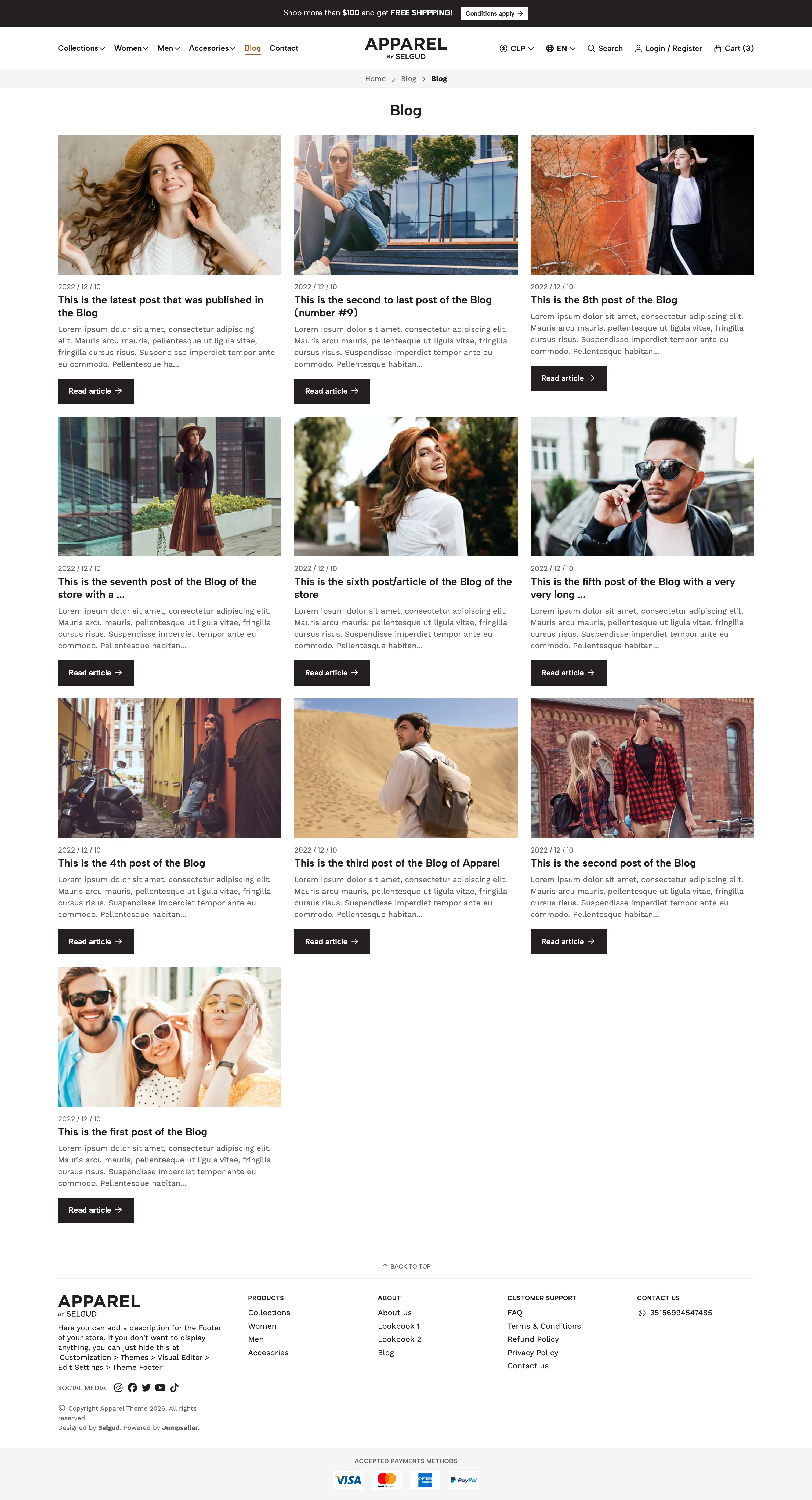
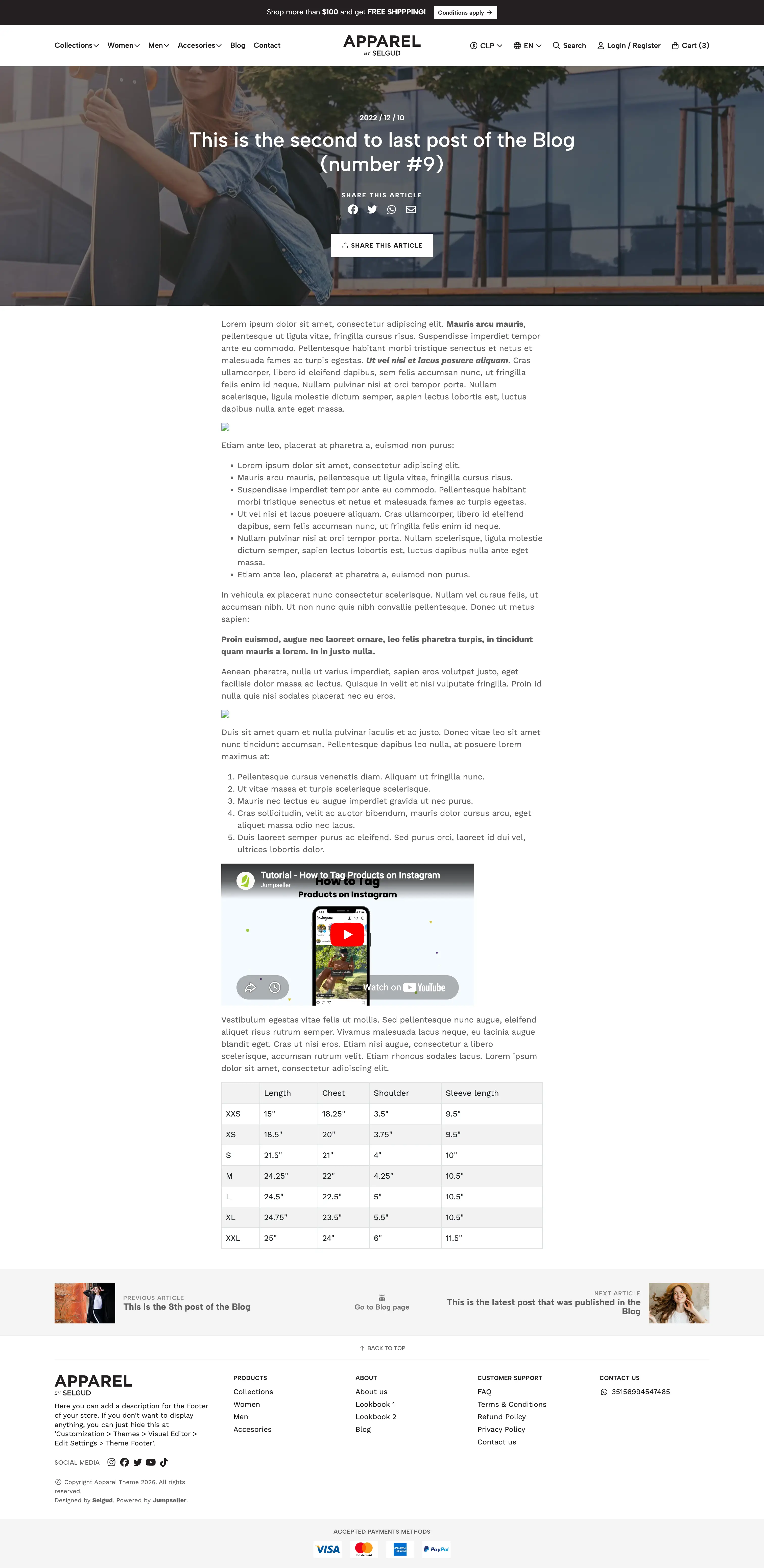
Store infrastructure and theme components to create visually appealing layouts for pages such as Blogs, News and their articles.
Global, Customization & Performance
Reach out to different countries and markets by translating all store’s content.
You can also connected different domains to different languages.
Allow your customers to visualize products in different currencies.
Define and differentiate the stock of your products depending on the location from which they will buy.
Display the different payment methods and services that you can add to the store, so customers know which options they have available to buy.
Customize and edit the store’s design with a powerful and intuitive Visual Editor.
Customize all the code of the store’s theme to achieve everything you want.
The theme is developed and coded to offer the best possible Organic SEO performance.
Themes are developed to work seamless in mobile devices. Each component and settings allow to control the display of images and content on desktop and mobile devices.
Templates
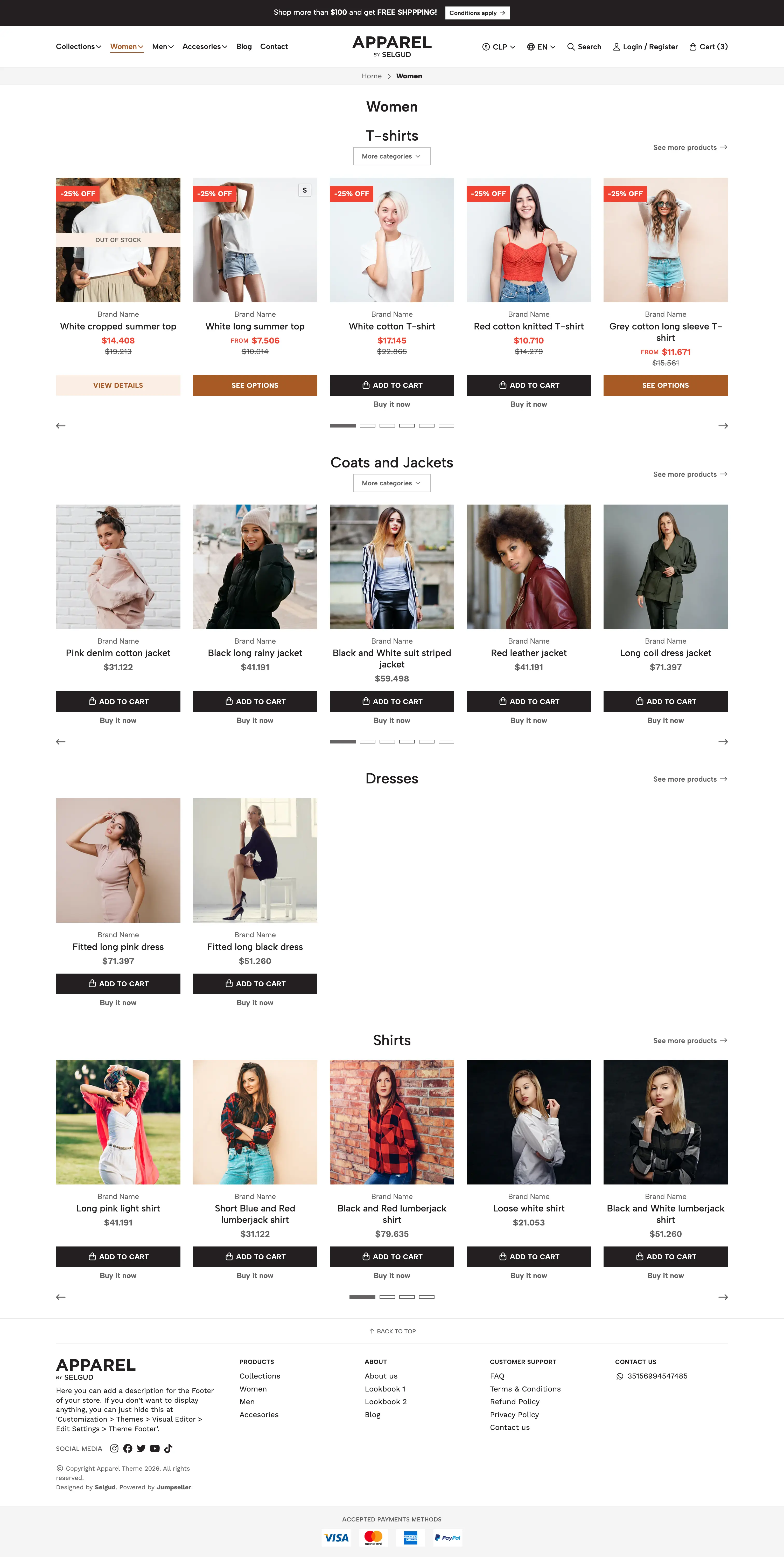
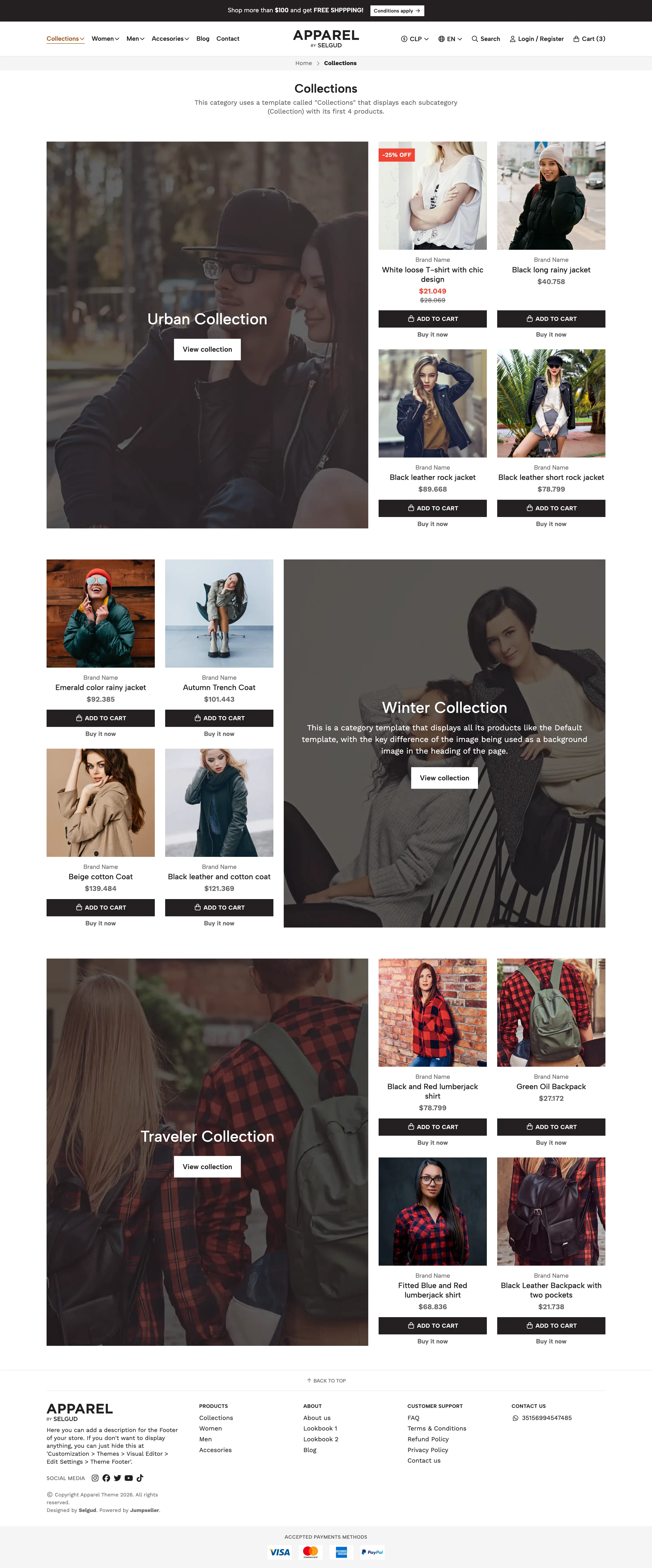
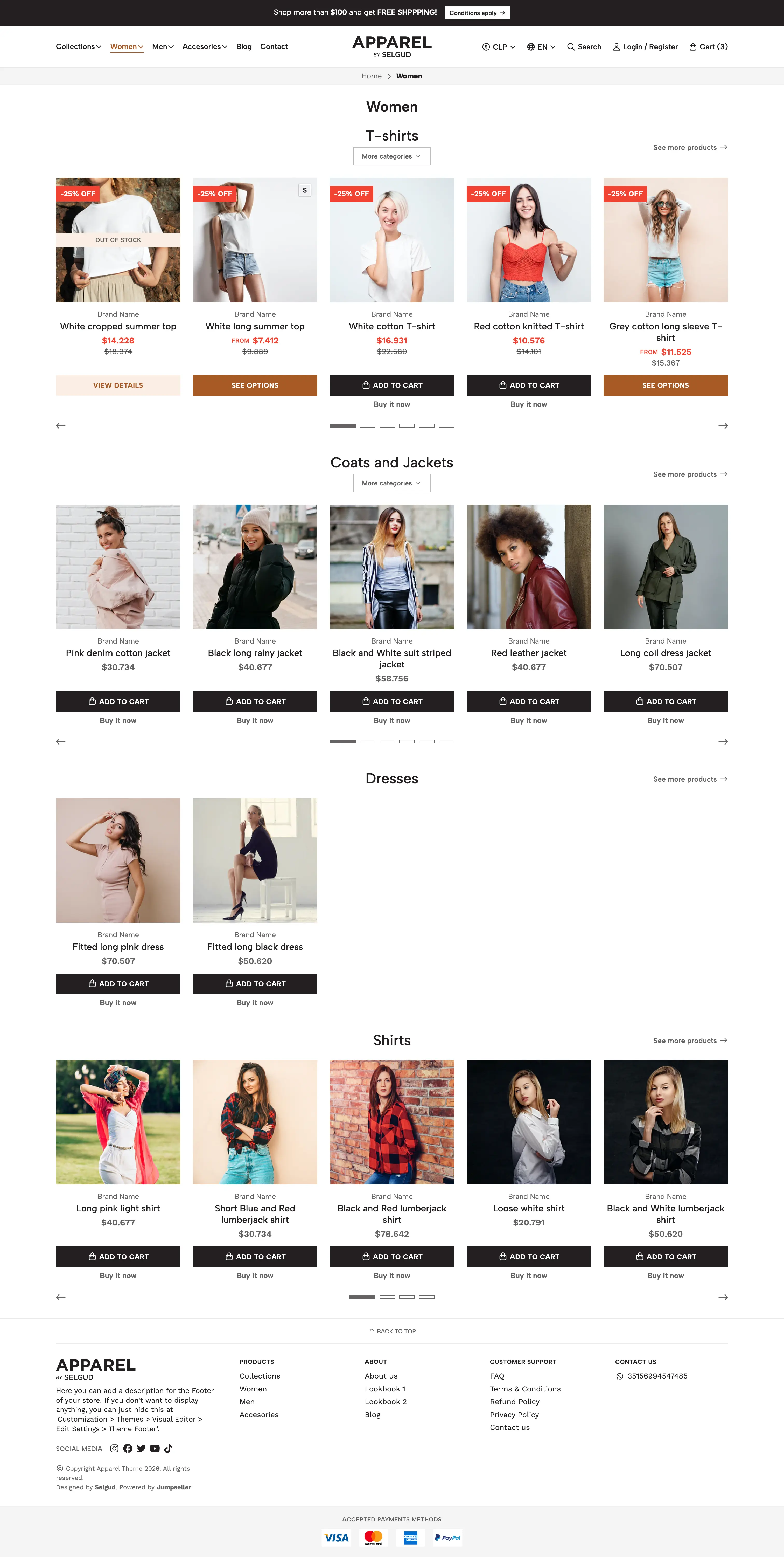
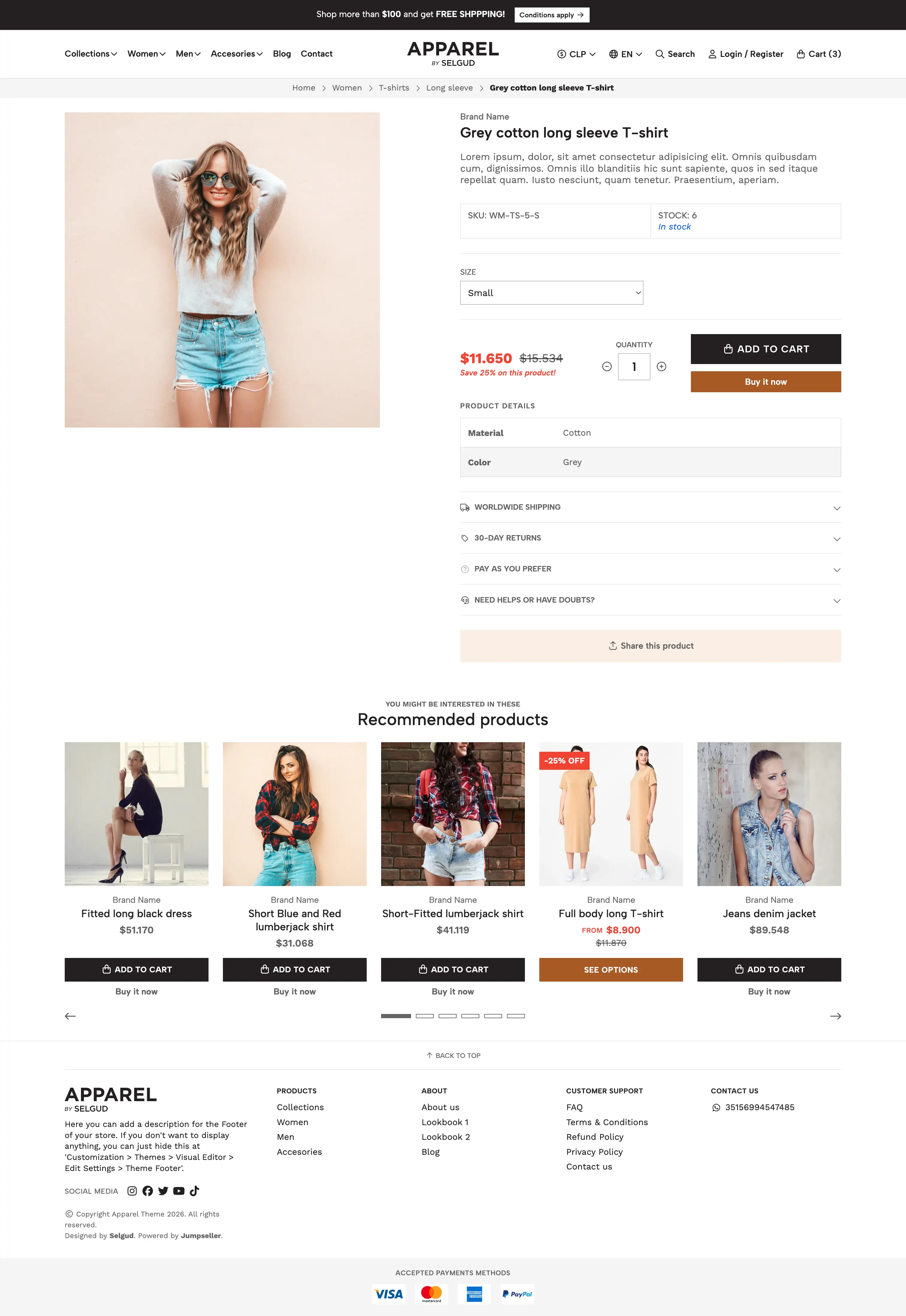
Browse some of the templates that are included within the theme and see how each page is designed across desktop and mobile.
Frequently asked questions
Find answers to common questions about customization, compatibility, setup, updates, and support.
Yes. All themes are fully customizable through the Visual Theme Editor.
Stores with plans with code access (Basic and above) can also edit HTML/Liquid, CSS, and JavaScript files for advanced customization.
You need to consider that if you edit your code base, those changes will not be transferred to a new theme upon installation.
You can have up to 5 themes installed in a store. One of them will be your active main theme, while the other four will remain as drafts.
You can edit any draft theme at any time and set it as your main theme whenever you want.
All the customizations you’ve made through the Visual Editor —including content and design settings— will automatically transfer to the updated version of the theme.
The newly installed version will appear in your list of installed themes, and you will need to set it as the main theme for it to become visible on your storefront.
A Jumpseller theme defines the overall layout, style, and visual structure of your online store.
It controls how pages, content, and components appear to visitors and provides brand consistency and usability.
Theme components can be explained as being modular building blocks (e.g., sliders, banners, footers, galleries) which you can add, edit, hide, duplicate, or remove within a theme.
Some components will also have the ability to work through subcomponents, such as a Slide within a Slider component. These will also have third-level blocks like a Title, Subtitle, Text, among others.
Yes. Jumpseller provides a Visual Theme Editor (kwown also as “VE”) that lets you modify design aspects such as colors, typography and/or fonts, as well as templates and layouts through an intuitive interface with a real-time preview.
Yes. Deleting a theme from the gallery removes all settings that were made through the Visual Editor, as well as code edition and navigation menus.
It is recommended to first export a theme or perform a theme installation with transfer customizations before deletion.
Yes. Many components provide settings that will allow you to customize the theme for devices independently, such as defining an image for desktop and another one for mobile.
You will also find options to define different sizes for titles, texts, buttons, etc.